Search where you already are
Open the same focused overlay from a website or from Sparkly’s new tab. The shortcut can be changed in Chrome’s extension settings.
01 / Find anything
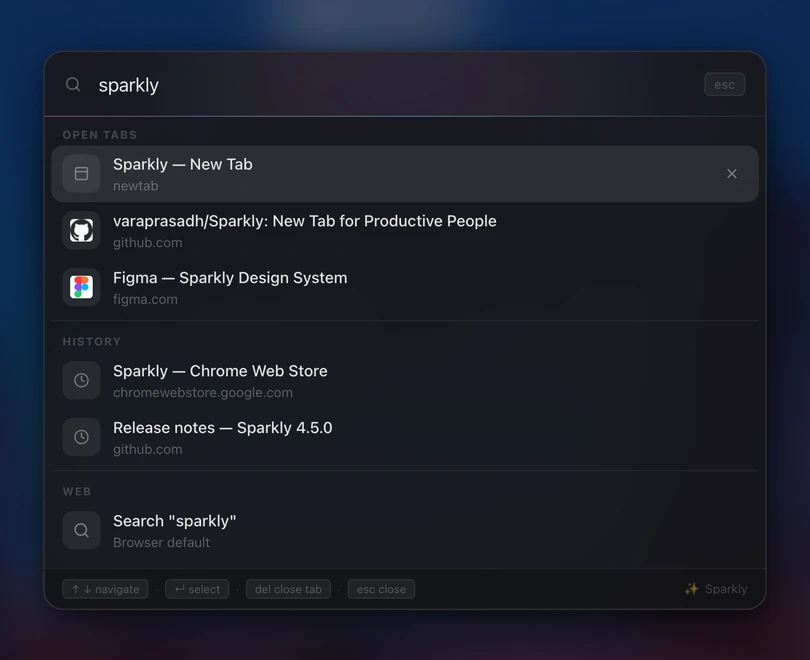
One shortcut searches what is open, what you recently visited, and where you want to go next.
The details
Open the same focused overlay from a website or from Sparkly’s new tab. The shortcut can be changed in Chrome’s extension settings.
Matching open tabs appear first, so the page you need is often one Enter key away.
Use Google, Bing, Yahoo, DuckDuckGo, ChatGPT, or Claude for web searches and suggestions.